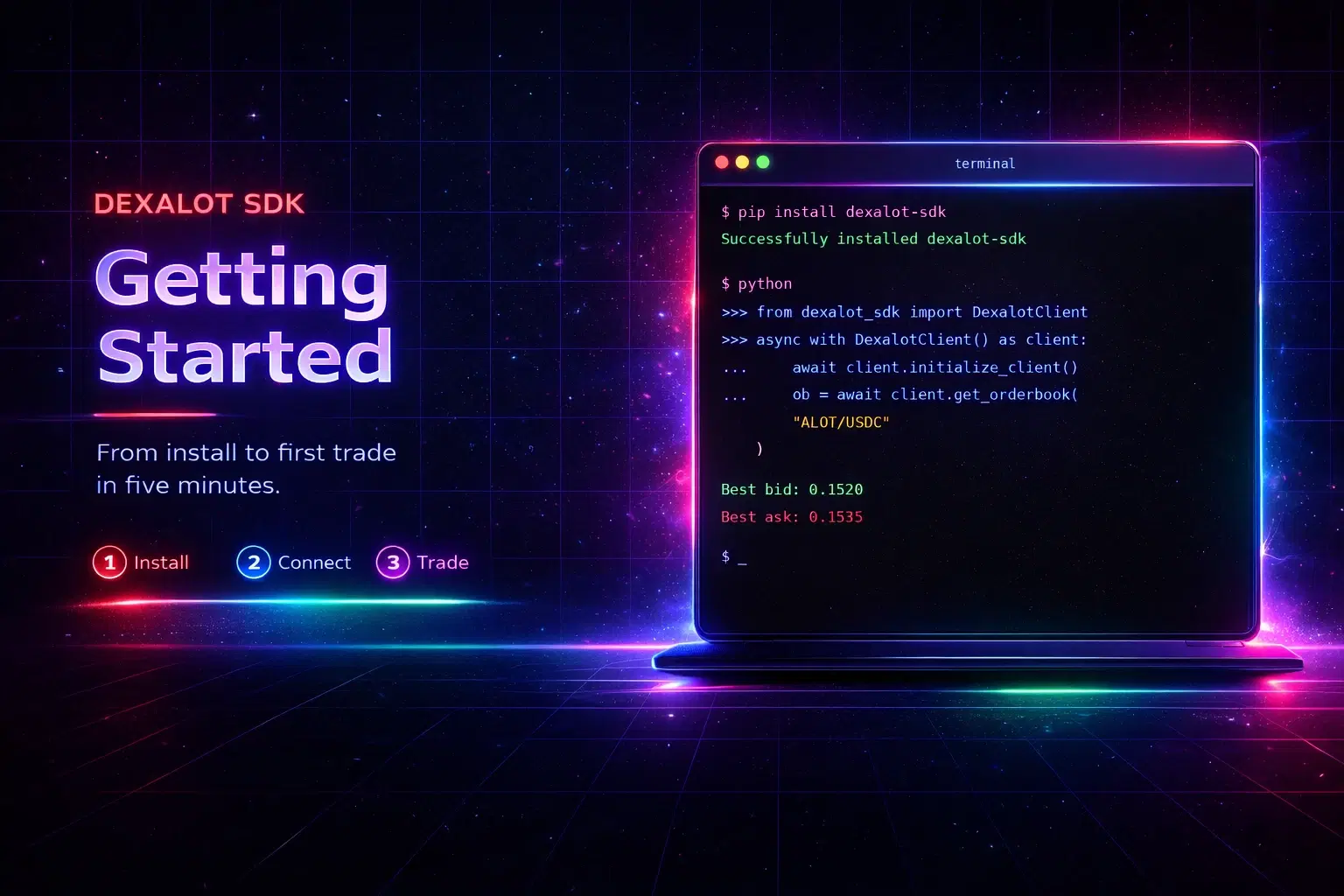


Get started with async Python SDK for Dexalot to read markets, place/cancel orders, swap, and manage funds with built-in caching, retries, WebSocket data, and secure signing for testnet or mainnet trading.
April 09, 2026 | ,

This guide walks you through installing the Dexalot Python SDK, connecting to the exchange, and running your first trades. By the end, you'll know how to read order books, place and cancel orders, execute swaps, and check your balances — all from Python.
We'll keep things practical. Every example here is something you can run immediately.
You need Python 3.12 or higher. You can download and install it for your platform from python.org. After the python environment setup, install the Dexalot Python SDK from PyPi.
pip install dexalot-sdkOr if you're using uv (which we recommend for faster dependency management):
uv add dexalot-sdkNext, create a .env file in your project root with the environment you want to connect to:
PARENTENV=fuji-multiThat's fuji-multi for testnet, or production-multi when you're ready for mainnet. For read-only operations like fetching order books and token lists, this is all you need. We'll add signing credentials shortly. You can explore the env.example file for a full list of variables you can use.
The SDK is async-first, so all operations run inside an async context. Here's the simplest possible connection — read the available trading pairs and print the first few:
import asyncio
from dexalot_sdk import DexalotClient

async def main():
    async with DexalotClient() as client:
        await client.initialize_client()

        pairs = await client.get_clob_pairs()
        if pairs.success:
            for pair in pairs.data[:5]:
                print(pair["pair"])
        else:
            print("Error:", pairs.error)

asyncio.run(main())
A few things to notice. The async with block handles opening and closing the HTTP session for you automatically. The initialize_client() call loads the exchange's configuration — token metadata, contract addresses, chain details — so the client knows how to talk to the protocol. And the result comes back as a Result object: check .success before accessing .data, and read .error if something went wrong.
This pattern — check the result, then act on it — is consistent across every SDK method. No hidden exceptions for expected failures.
Once connected, fetching the order book for a trading pair is one line:
ob = await client.get_orderbook("ALOT/USDC")
if ob.success:
    book = ob.data
    print("Best bid:", book["bids"][0])
    print("Best ask:", book["asks"][0])
Order book data is cached for one second by default, which means rapid successive calls won't hammer the API. If you need fresher data for high-frequency strategies, you can lower the cache TTL or disable it entirely (more on that below).
Read-only access is useful, but to place orders, execute swaps, or move funds, you need a signing wallet. The recommended approach is to pass a signer object directly so that your raw private key never sits in a config file:
from eth_account import Account

signer = Account.from_key("0xYOUR_PRIVATE_KEY")

async with DexalotClient(signer=signer) as client:
    await client.initialize_client()
    # Now you can trade
For production setups, the SDK also ships with an encrypted secrets vault. It stores your keys in an encrypted file on disk — only the key names are visible, the values are encrypted at rest. You generate an encryption key once, store it in your password manager, and use it to unlock the vault at runtime:
secrets-vault keygen          # generate your encryption key, save it safely
secrets-vault add PRIVATE_KEY 0xabc123...
Then at runtime, set DEXALOT_SECRETS_VAULT_KEY as an environment variable or let the SDK prompt you. This keeps your raw key out of .env files and source control entirely.
Important: Never commit private keys or vault encryption keys to version control. Use a password manager or a secrets manager like AWS Secrets Manager or HashiCorp Vault for production.
With a signer connected, placing a limit buy order looks like this:
result = await client.add_order(
    pair="ALOT/USDC",
    side="BUY",
    amount=100.0,
    price=0.15,
    order_type="LIMIT",
)
if result.success:
    print("Transaction:", result.data["tx_hash"])
    print("Order ID:", result.data["client_order_id"])
else:
    print("Failed:", result.error)
The SDK takes care of everything under the hood: converting your human-readable amounts to the on-chain atomic format, managing the transaction nonce so you don't get duplicate-nonce errors, estimating gas, signing the transaction, and submitting it. You get back a transaction hash and a client order ID that you can use later to cancel or replace the order.
result = await client.cancel_order(order_id="0xabc...")result = await client.cancel_all_orders()If you're managing multiple positions, the SDK supports batch operations that bundle several orders into a single on-chain transaction. This saves gas and reduces latency:
orders = [
    {"pair": "ALOT/USDC", "side": "BUY", "amount": 50.0, "price": 0.14},
    {"pair": "ALOT/USDC", "side": "BUY", "amount": 75.0, "price": 0.13},
]
result = await client.add_limit_order_list(orders)
There's also an atomic cancel-and-replace operation. It removes your existing orders and places new ones in the same transaction — no gap where you're unhedged:
result = await client.cancel_add_list(
    replacements=[
        {
            "order_id": "0xold...",
            "pair": "ALOT/USDC",
            "side": "BUY",
            "amount": 100.0,
            "price": 0.16,
        }
    ],
)
For market makers who need to constantly update quotes, this is a game-changer.

Not every trade needs limit order precision. The SDK includes a simple swap flow based on request-for-quote (RFQ) pricing. It works in three steps: check the indicative price, lock in a firm quote, and execute.
# Step 1: Soft quote — see what the price looks like, no commitment
soft = await client.get_swap_soft_quote(
    from_token="ALOT", to_token="USDC", amount=100.0
)

# Step 2: Firm quote — locks in the price for 30 seconds
firm = await client.get_swap_firm_quote(
    from_token="ALOT", to_token="USDC", amount=100.0
)

# Step 3: Execute the swap
if firm.success:
    result = await client.execute_rfq_swap(firm.data)
This is ideal for applications that need a straightforward "convert A to B" interface without managing order placement and fills.
The SDK gives you full visibility into your balances across your Dexalot portfolio and connected chain wallets:
# All portfolio balances
result = await client.get_all_portfolio_balances()
if result.success:
    for token, balance in result.data.items():
        print(token, "Total:", balance["total"], "Available:", balance["available"])

# Single token
result = await client.get_portfolio_balance(token="USDC")# Deposit from a connected chain
await client.deposit(token="USDC", amount=100.0, source_chain="Avalanche")
# Withdraw back to a chain
await client.withdraw(token="USDC", amount=50.0, target_chain="Avalanche")The SDK caches API responses at four levels, each matching how fast that data actually changes:
These defaults work well for most applications. But if you're building a high-frequency bot, you might want sub-second order book freshness — set cache_ttl_orderbook=0.5 for 500-millisecond expiry.
client = DexalotClient(
    cache_ttl_orderbook=0.5,   # 500 milliseconds
    cache_ttl_balance=1,       # 1 second
)
Building a dashboard that doesn't need real-time data? Crank the TTLs up and reduce your API footprint dramatically. For development, you can disable caching entirely with enable_cache=False.
For real-time order book updates, enable the WebSocket manager by setting ws_manager_enabled=True in your config, then subscribe to events with client.subscribe_to_events(). Pass a topic string like "OrderBook/ALOT/USDC" and an async callback function that receives each event as a dictionary.
async def on_orderbook_update(event):
    print("Update:", event)

config = DexalotConfig(ws_manager_enabled=True)

async with DexalotClient(config=config, signer=signer) as client:
    await client.initialize_client()
    await client.subscribe_to_events(
        topic="OrderBook/ALOT/USDC",
        callback=on_orderbook_update,
    )
    await asyncio.sleep(60)  # listen for a minute
The WebSocket connection handles reconnection automatically. Your callback is an async function that runs on the event loop, so it can interact with the rest of your trading logic naturally.
Everything is configurable through constructor arguments, environment variables, or a .env file. Constructor args always take precedence. Here are the most commonly tuned options:
| Category | Key Options | Description |
|---|---|---|
| Environment | parent_env | Testnet (fuji-multi) vs. mainnet (production-multi) |
| Retry logic | retry_max_attempts, retry_initial_delay | How aggressively to retry failed requests |
| Rate limits | rate_limit_requests_per_second | Stay within API limits (default: 5/s) |
| RPC providers | DEXALOT_RPC_<CHAIN_ID> | Comma-separated URLs for automatic failover |
| Logging | log_level, log_format | console or json for production log aggregators |

A few things the SDK handles automatically that are worth knowing about:
Retry with backoff. If an API call or RPC request fails due to a transient error, the SDK retries with exponential backoff. The defaults are sensible (a few retries with increasing delays), but you can tune them to match your tolerance. This means your bot doesn't crash because of a single dropped connection.
RPC failover. You can configure multiple RPC provider URLs per chain. If one starts failing consistently, the SDK switches to the next one automatically. Failed providers enter a cooldown period before being retried. If everything goes down, it falls back to the last provider that worked.
Rate limiting. The SDK enforces rate limits on both API calls and RPC requests using a token-bucket algorithm. The defaults (5 API requests per second, 10 RPC calls per second) keep you within typical server-side limits. If you're running multiple client instances, keep in mind that each has its own limiter — they don't share a global quota.
Error sanitization. When something goes wrong, the error messages you see in result.error are cleaned up — no file paths, no RPC URLs, no stack traces leaking through. In production, this prevents accidental exposure of infrastructure details. For debugging, set log_level to DEBUG to see the full context in your logs.
This guide covers the essentials, but the SDK has more depth than we could fit here. For the full picture:
The SDK is open source. If you find a bug, want a feature, or have a question, the repository is the place to go.
Start on testnet, get comfortable with the API, and when your strategy is ready — switch to mainnet by changing one environment variable.
Python SDK | GitHub: github.com/Dexalot/dexalot-sdk-python
Python SDK | PyPi: pypi.org/project/dexalot-sdk
Happy building.